Faces
When Unread needs to crop an image to a specific aspect ratio, it does so in a way that avoids removing or cutting off faces.
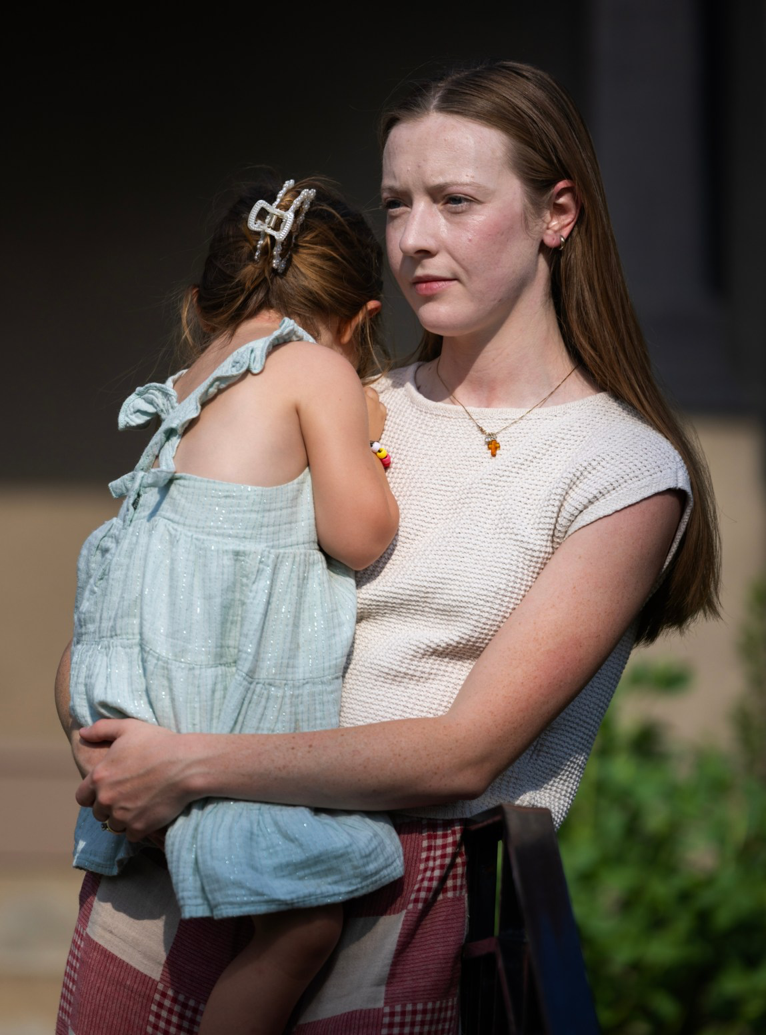
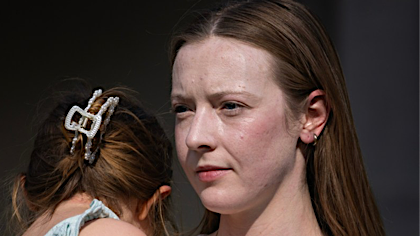
For example, take this tall photo of a woman holding a child:
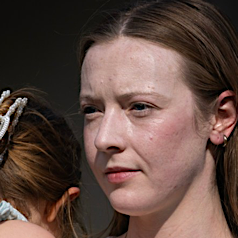
When generating a large thumbnail, Unread crops the photo in a way that preserves the woman’s face.
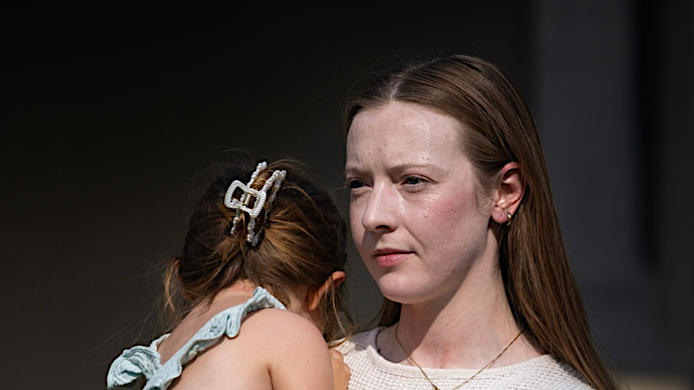
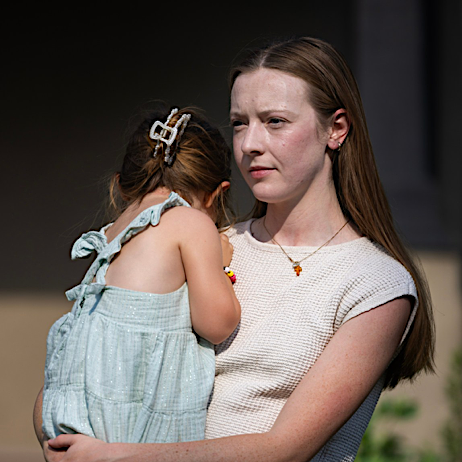
When generating a small thumbnail and when faces take up a small portion of the image, Unread’s thumbnails zoom in on the face or faces in the image.
When There Are No Good Cropping Options
Unread’s preferred method of getting an image thumbnail into an area of a specific aspect ratio is to crop it, but sometimes there are no good options for doing so.
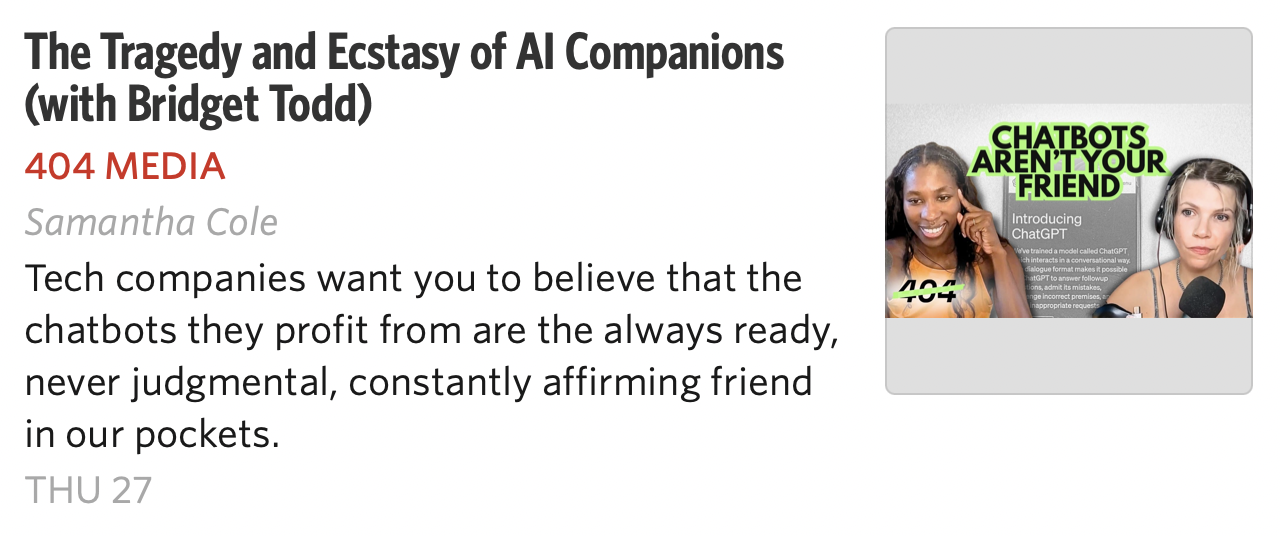
For example, cropping this image into a square would be impossible without removing faces:

When Unread needs to fit this into a square area, it scales the image down further and adds whitespace to the top and bottom.
Text and Solid Color Backgrounds
Unread will focus on text when an image has no faces. When cropping an image to a specific aspect ratio without removing or cutting off text is impossible and when the background is a solid color, Unread detects the solid color background and extends it to the edges.
For example, take this tall and narrow image with text and a solid color background:

Unread crops this in a way that preserves the text. It extends the solid background as well: